Black Friday: 20% off

Make yours now £9.99 £7.99

AI Santa Video Generator, With No Photo Upload

Our AI Santa video generator turns a few details about your child into a video message from Santa. It writes his script, speaks it in a warm Santa voice and animates him saying it. You choose your Santa from ours, so no photo is ever uploaded, and the video is ready in about 15 minutes.

No photo upload · Ready in about 15 minutes · Yours to keep

Generated, not filmed

Watch a Real AI Santa Video

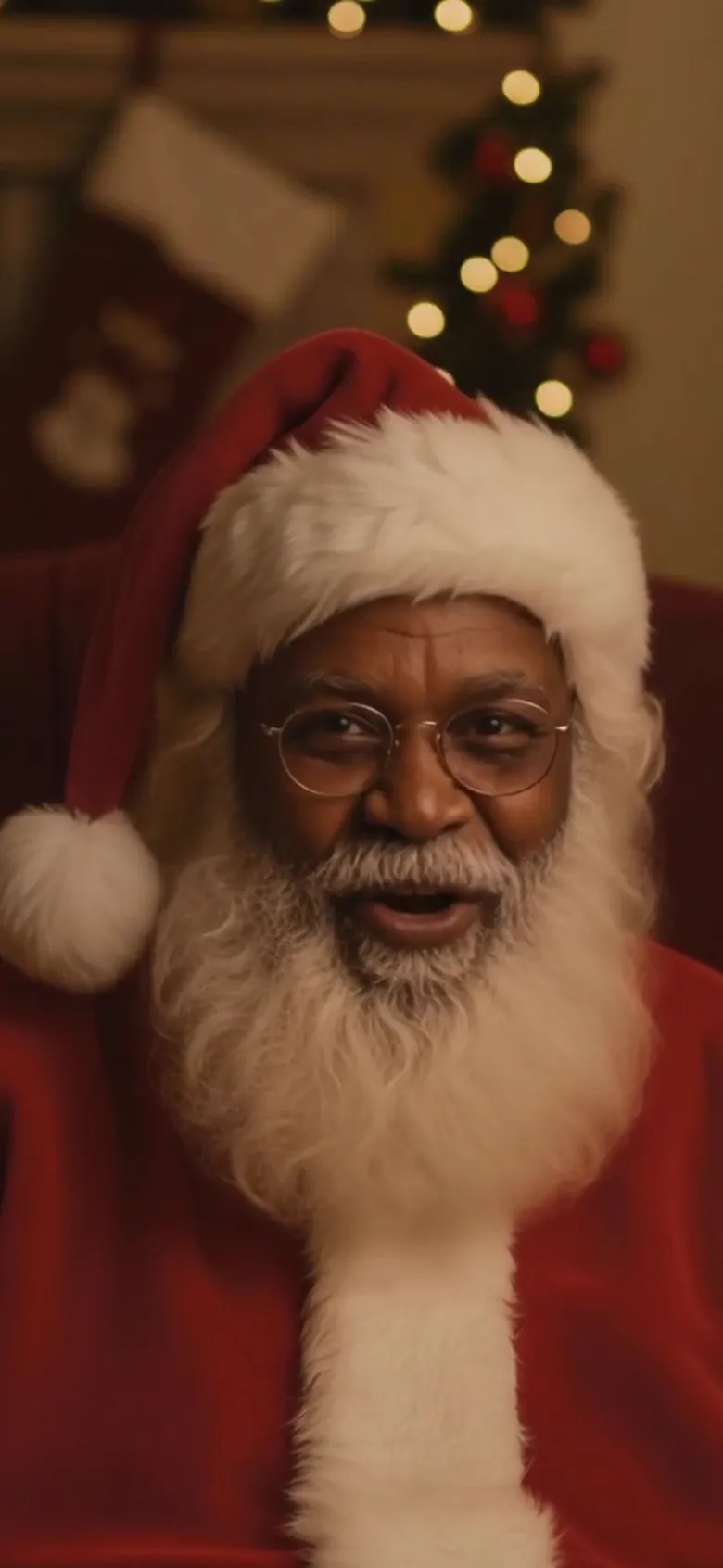
Everything here was generated from what Felix’s family typed in: the script, Santa’s voice and Santa speaking it. No photo was uploaded. They chose Black Santa and the American voice, and the only things of Felix’s in the video are his name and the details they chose to share — his age, the skate park, school and the balance bike he wants.

  • A script written from your details, not a fill-in-the-name template
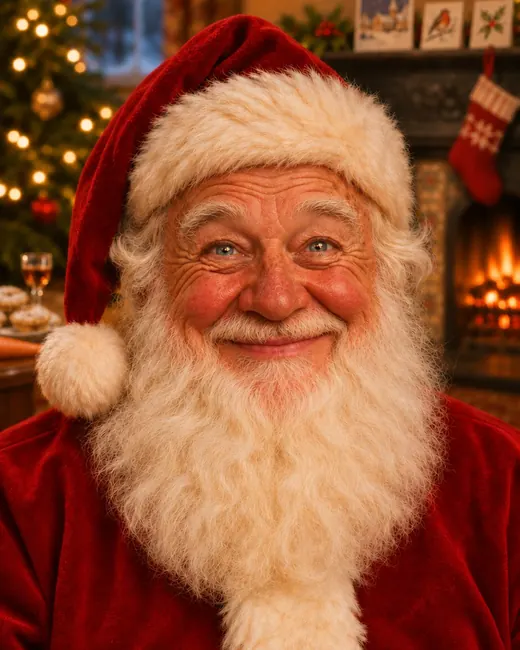
  • Choose your Santa and a US or UK voice — no photo upload
  • Portrait video, made for phones, ready in about 15 minutes

How to Make an AI Santa Video in Three Steps

No script to write and nothing to learn. To make a Santa video here, you answer a few questions about your child and the generator does the rest.

These are the real screens

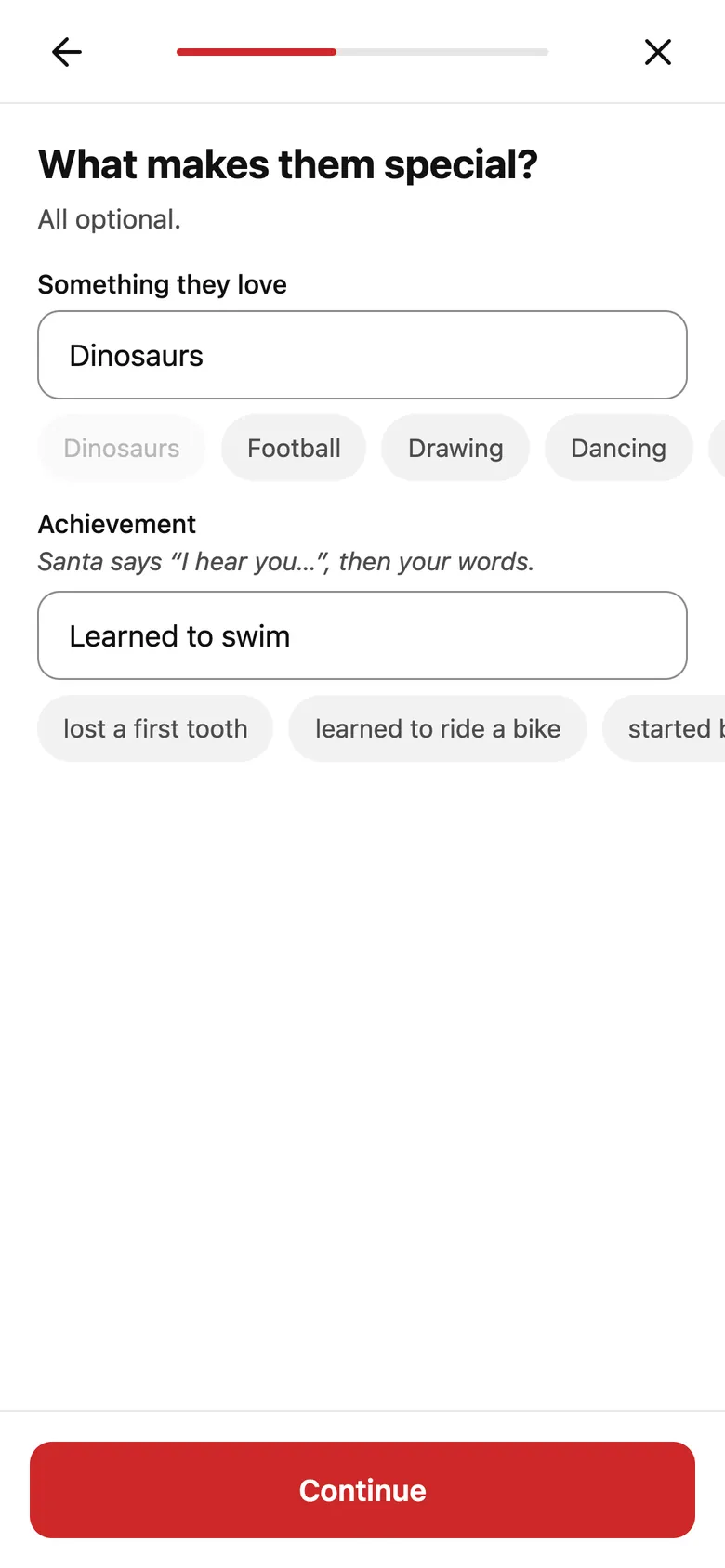
  1. The AI Santa video generator asking what makes the child special
    1

    Tell Santa About Them

    Their name, age and town, what they love, one thing they’re proud of, the present on their list and who it’s from.

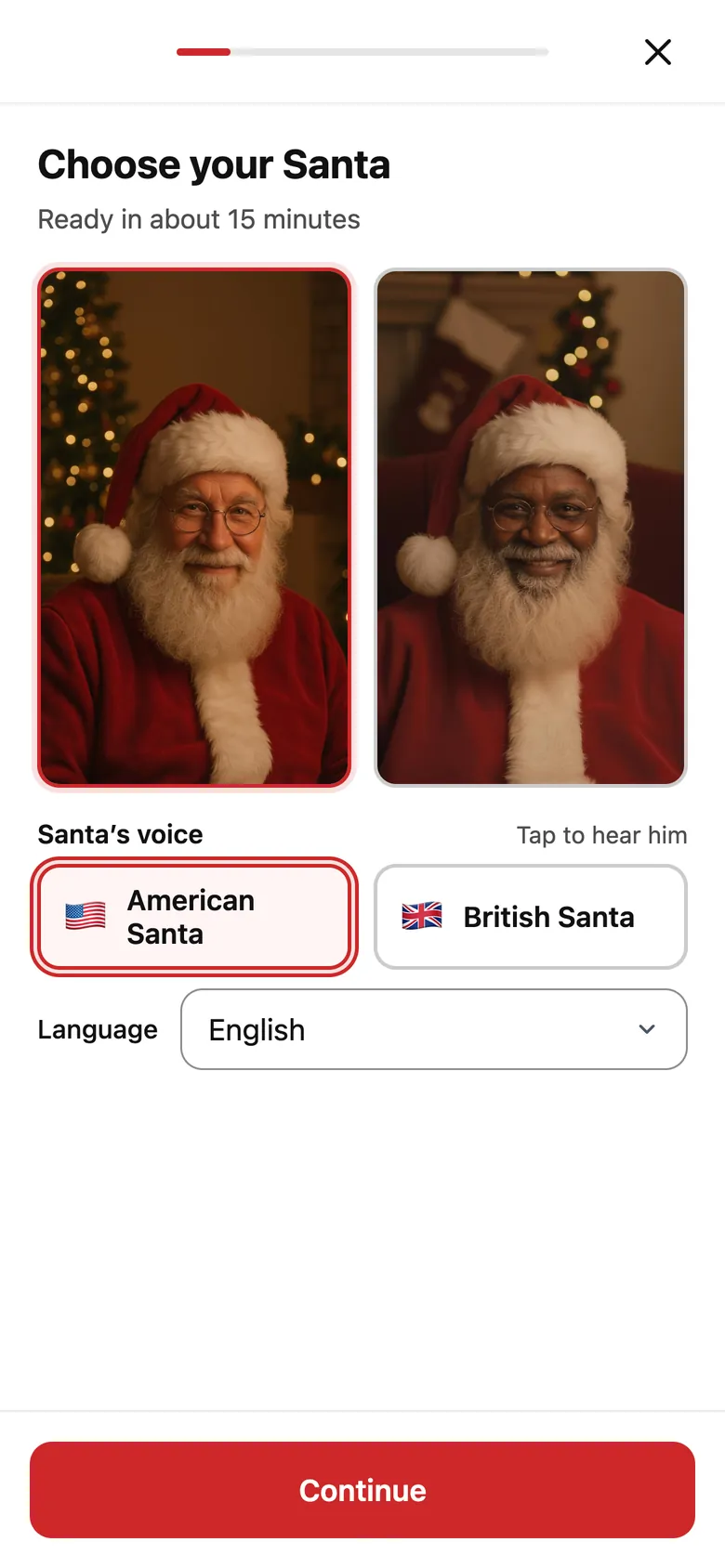
  2. Choosing Santa by the tree or by the fire, and an American or British voice
    2

    Choose Your Santa

    Santa by the tree or by the fire, an American or British voice, how long he talks and the music behind him.

  3. 3

    Generate, Download, Share

    It’s ready in 10 to 15 minutes and we email you. Download your festive greeting, send it by WhatsApp or email, and keep it.
What to tell Santa

  • A detail only family knows. The dog’s name, the street, the badge in October.
  • Something they worked at. Being noticed lands harder than praise.
  • Who it’s from. Especially a grandparent far away.
  • The wish on their list. The one from their letter to Santa.

What the Generator Does With Your Words

An AI Santa video is a personalized video from Santa that is generated rather than filmed. A pre-recorded Santa can say “Emma” because an actor once recorded “Emma”, but he can’t say “well done on your swimming badge”. The generator can, because it writes every word for one child.

  1. Proud oflearned to swimChristmas wisha red scooter

    You type a few details

    Their name, their year and their wish, in your own words.

  2. Santa’s script, for example“Ava, I hear you learned to swim this year. That took real courage! And a red scooter? It’s right here on my list.”

    It writes Santa’s script

    In Santa’s own words for one child, not a template with a name slotted in.

  3. AmericanBritish

    It gives Santa his voice

    Warm and unhurried, with real pauses, in the Santa voice you choose.

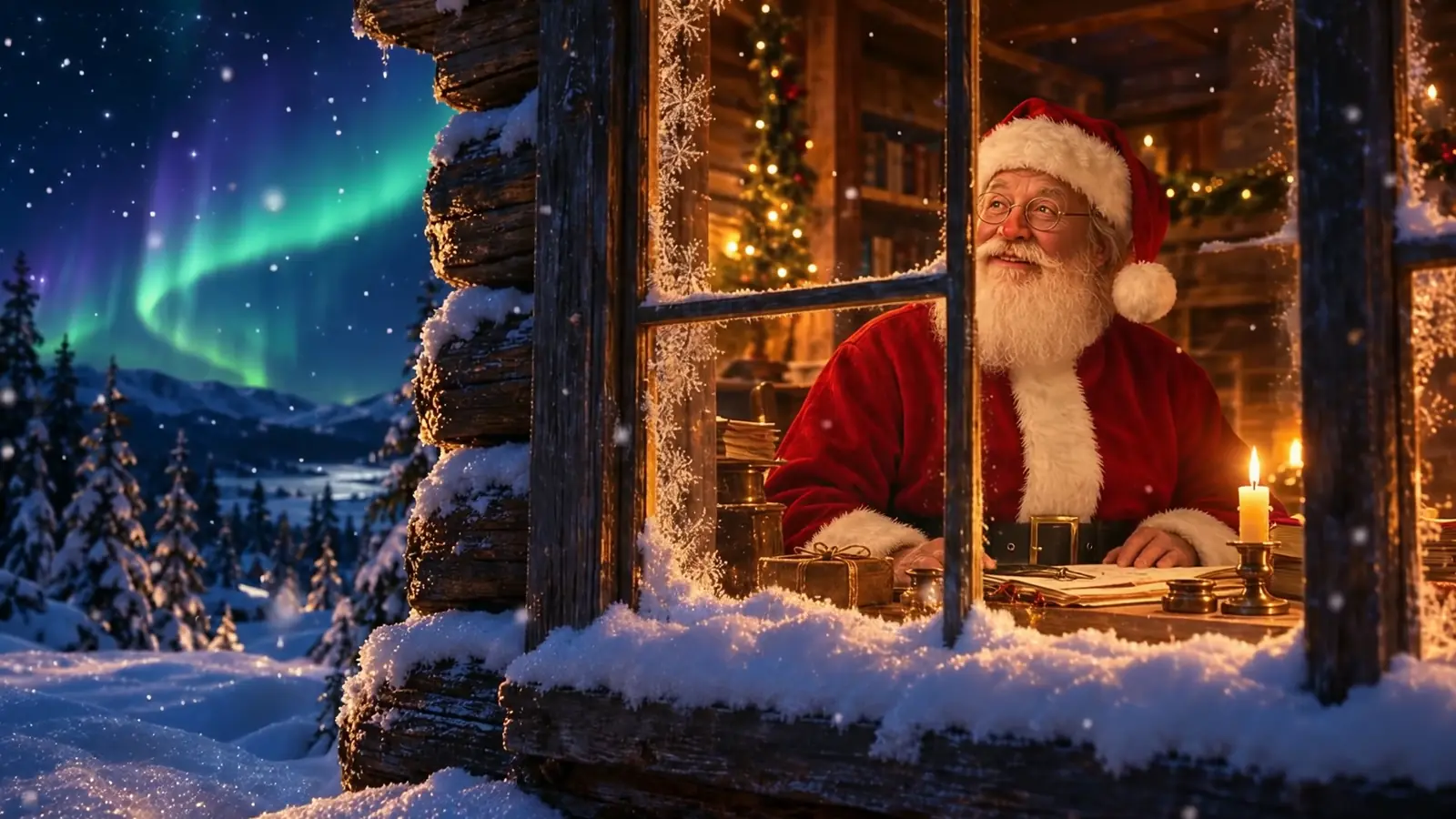
  4. Santa by the fire, one of the Santas the AI Santa video generator animatesLip-synced

    It animates Santa saying it

    Your Santa is lip-synced to every word at the North Pole, with music under his voice.
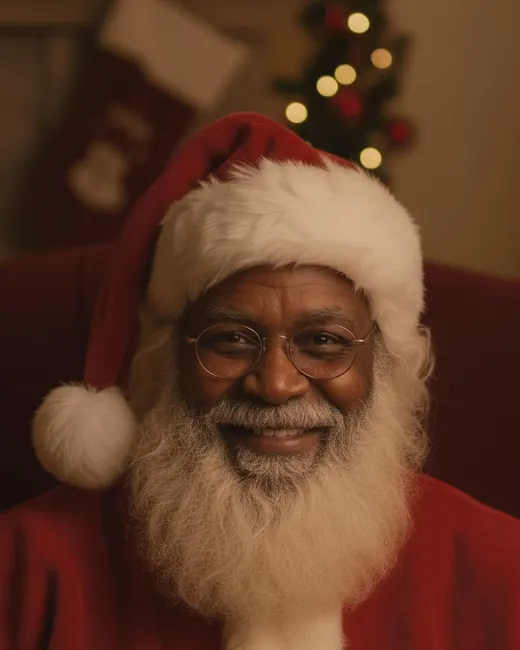
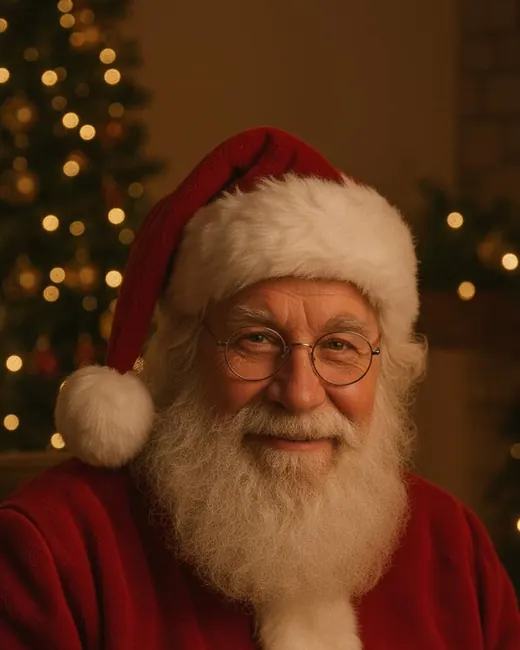
Same Santa, a different child every time

Every Santa in this film is a real AI Santa video a parent made. He only knows what they told him.

What Parents Say About Our AI Santa

Unedited, and every one of them a five.

Every one from our Etsy shop

★★★★★ on Etsy

My nieces loved their personalized messages from Santa. They were amazed on how much Santa knew about them. I would definitely recommend.

ShaneyNovember 2025

Choose Your Santa. You Don’t Upload Anybody.

Every AI Santa video stars one of our Santas, never a photo of your child. Tap a voice to hear him.

The Honest Bit About AI and Your Child’s Details

“AI” and “tell us about your child” should make any parent pause, so here is exactly what happens to what you type.

Only their name is in it

  • No photo, no face swap

    The Santa on screen is ours. No face, no photo and no voice of your child goes into the video.

  • Never sold or used for training

    What you type writes Santa’s script and is kept with your video so you can come back to it. It is never sold, shared or used to train anything.

  • A person reads your reply

    If Santa gets something wrong, reply to the email and we fix it free.

The free letter from Santa goes further still: it is drawn in your own browser and never sent to us at all.

What AI Santa Does Well, and Where It Still Falls Down

Worth knowing before you make one: the right expectation is the difference between delight and a shrug.

First names, common and rare, said naturally

Names said nothing like they’re spelled. Tap “Add pronunciation” under the name, write how it sounds (“Shiv-awn” for Siobhan) and Santa says it your way

A warm, unhurried delivery with real emphasis

Rapid jokes and sarcasm, which need timing an AI voice doesn’t have yet

Three specific details: a badge, a pet, a street

Long lists. Three things Santa knows land harder than nine

Messages of about a minute

Long messages for little ones. For younger children, short is usually right

English, written for your child in an American or British voice

Writing a long message in other languages. In German, Spanish, French, Italian, Dutch, Polish or Portuguese, you write his words and he says them exactly as written (auf Deutsch); the free cartoon writes its short one in any of them

AI Santa Video Questions

What parents ask before they make one.

Answered plainly

Do I have to upload a photo of my child?

No. There is no photo upload at all. You choose your Santa from ours and he is the one on screen. The personalization is in what he says, not in whose face is showing, so no picture of your child is ever involved.

Does it do face swap?

No, and that is deliberate rather than a gap. Putting a real person’s face into a generated video raises questions about consent and storage that we would rather not create for a product made for children. Santa is always one of our own Santa avatars, never a real person’s face.

Will it look fake?

It looks like Santa recorded a video message for them, which is what it is. The voice is where the quality shows most, and it is the part that has improved fastest: the giveaway used to be a flat, hurried delivery, and it no longer is. Watch Felix’s video at the top of this page and judge for yourself.

What does the AI actually know about my child?

Exactly what you type in: their name, age, where they live, their interests, something they’re proud of, and what they’ve asked for. Nothing is inferred and nothing is looked up. If you leave a box blank, Santa simply doesn’t mention it.

How do you make an AI Santa video?

Tell Santa about your child, choose which Santa records it and whether he sounds American or British, pick the length and the music, and let the generator make it. The details take a few minutes, and the video is ready about 10 to 15 minutes later.

How long does the AI take to generate the video?

About 10 to 15 minutes once you’ve finished the details. You don’t have to watch a progress bar: we email you when it’s ready.

Is an AI Santa video the same as a custom Santa video?

Here, yes. Every custom Santa video we make comes from this generator: the script, the voice and Santa speaking it are all generated from what you tell us. That is how a personalized Santa video can mention a swimming badge no actor ever recorded.

Can Santa speak a language other than English?

Santa writes his message in English only, in an American or British voice. For German, Spanish, French, Italian, Dutch, Polish or Portuguese, choose the language on the first screen and write Santa’s words yourself: he says them exactly as written, up to 80 seconds. The free cartoon video he writes himself in any of those languages. In German, the Video vom Weihnachtsmann page has an example and a script to copy.

Is there a free AI Santa video generator?

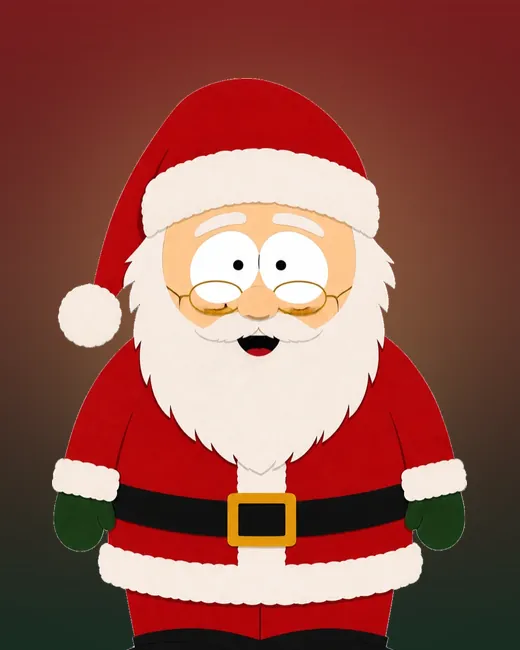
Yes. The free AI Santa video is a short cartoon Santa message that says your child’s name out loud and one thing you tell him. There’s one Santa and one voice rather than a choice, and it’s ready about two minutes after you click the link we email you.

Is there an AI Santa app for iPhone?

Yes. Custom Santa Video is on the App Store for iPhone, with the free cartoon video and the premium one, and every video kept in My Videos. The app asks you to sign in with Apple; the website needs no account.

Can I make my own Santa video without AI?

Yes, with a costume, a phone and a willing relative. It takes an afternoon in the busiest week of the holidays, and children are quick to recognise a voice or a living room. If you would rather compare the ready-made services first, our guide to the best Santa video makers covers free and premium ones.

Let Santa Tell Them Himself

A few details and your choice of Santa, and the generator does the rest: their name, their year and their Christmas wish, ready in about 15 minutes and yours to keep.

★★★★★

"We will be ordering for years to come"

— Emily
★★★★★

"Absolutly amazing! Love this it came out perfect!"

— termjam
★★★★★

"Highly recommend this video!!"

— Lorie
★★★★★

"My son keeps wanting to watch it over and over!"

— Monica
★★★★★

"Excellent item, excellent customer service."

— Jack
★★★★★

"My nieces loved their personalized messages from Santa."

— Shaney
★★★★★

"Absolutely fantastic!!!"

— Anna
★★★★★

"Very magical! Thank you ✨"

— Siobhan
★★★★★

"Would def recommend!"

— A
★★★★★

"Ottimo sito veloce e ho avuto modo di parlare con chi Crea i video è una persona professionale e molto gentile."

— Giuseppina